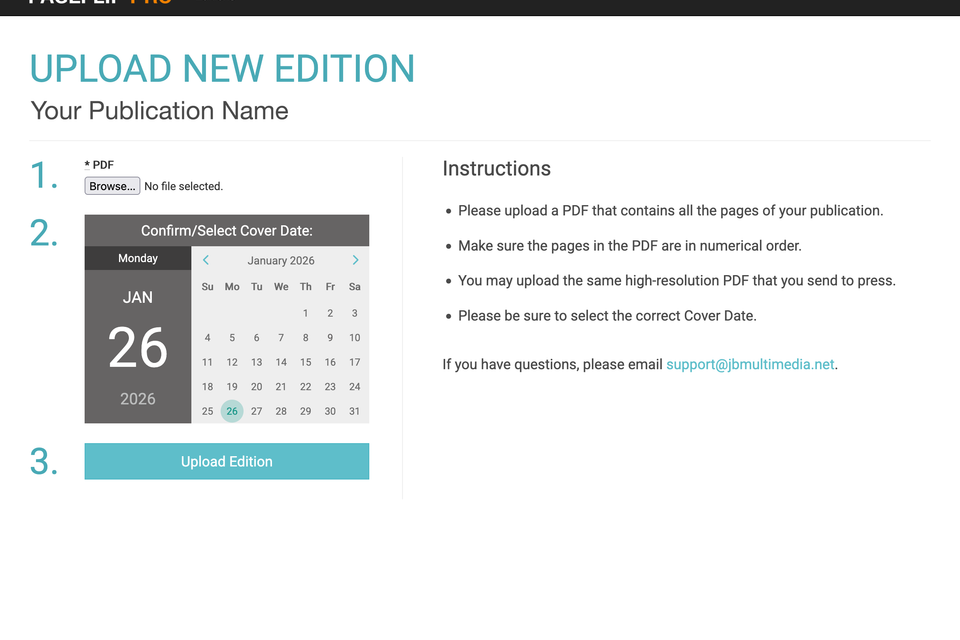
3. Upload PDF and confirm/select the Cover Date of the edition.
4. Click "Upload Edition". Once we finished processing the files, the edition will go live automatically on the scheduled date and time.
How to Combine Pages into 1 PDF File for Upload to PageFlipPro
Before you upload a PDF to the PageFlipPro app, you will need to combine all the pages to a singe file, in numerical order. This video demonstrates how to do it.
How to Activate Website Links and Email Addresses in Your PDF
Follow these instructions to ensure that all web links properly link up in your digital edition.